 Shop
ShopChoose Your Products
Explore our curated collection of high-quality products with seamless payment integration

High-quality cotton t-shirt
$2.99

Classic fit denim jeans
$89.99
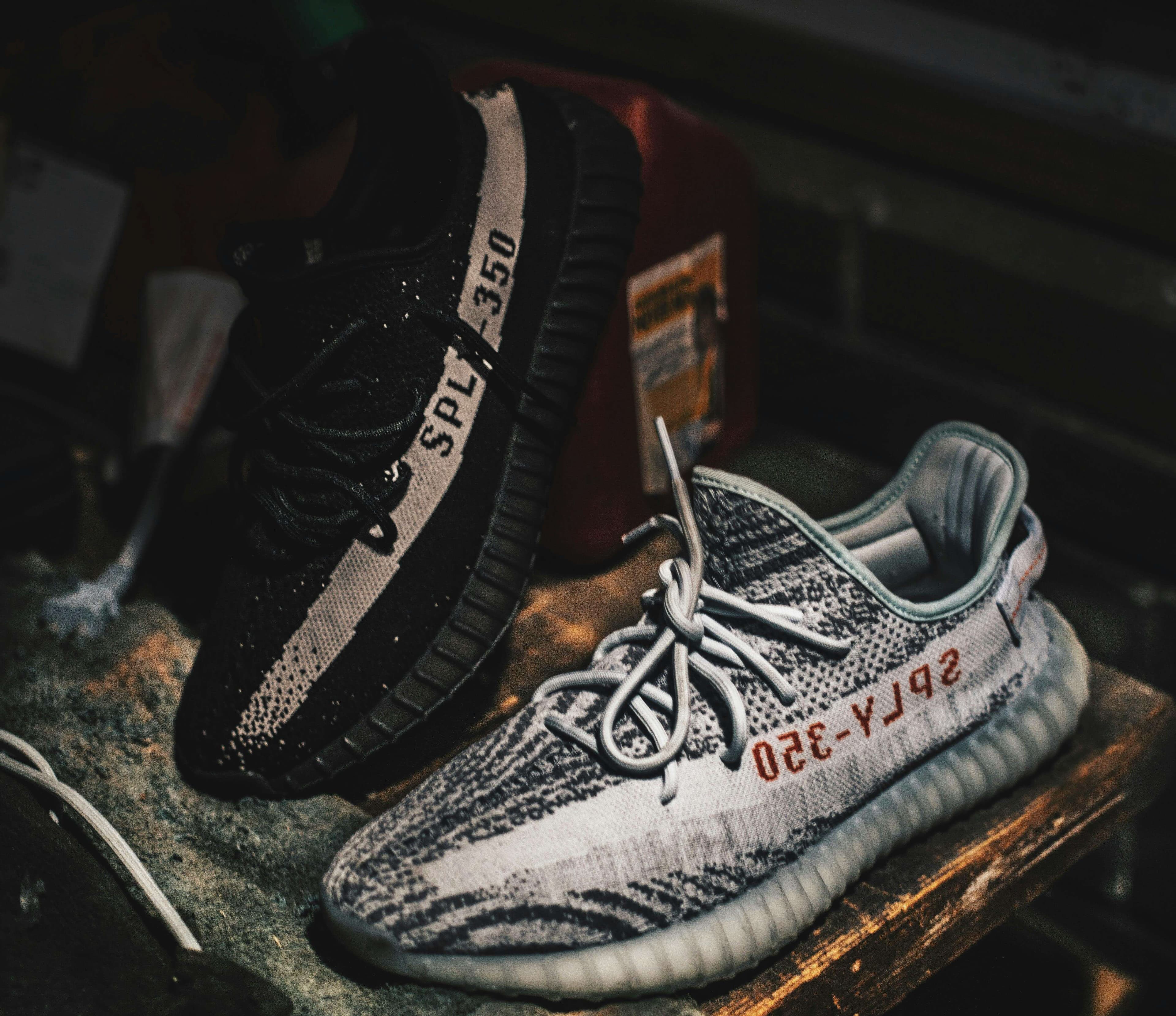
Comfortable everyday sneakers
$79.99
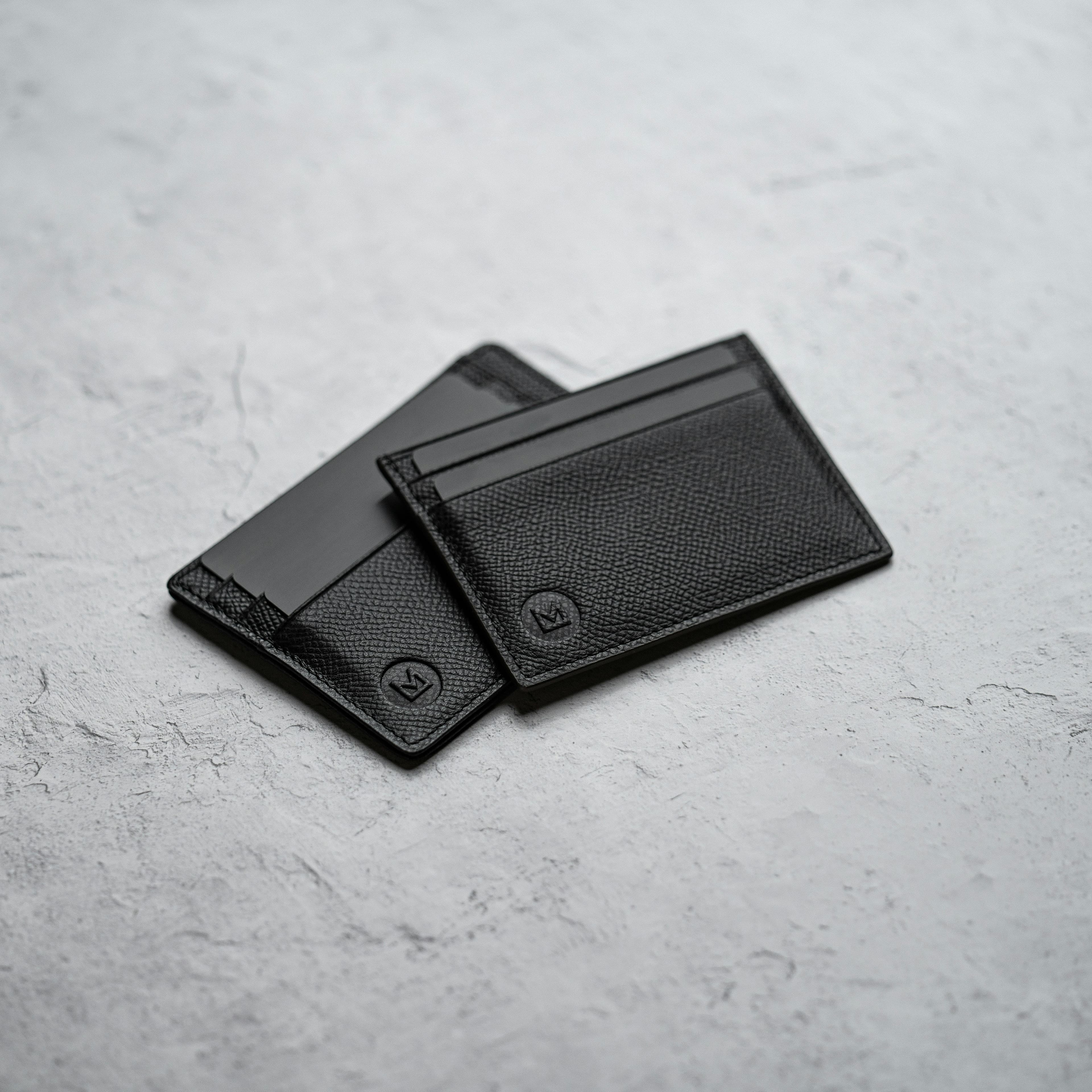
Genuine leather bifold wallet
$49.99
Business Payment Implementation Guide
Multiple Items Variable Price
Follow this guide to implement secure cart payment processing with cryptographic signature validation.
1. Environment Configuration
Configure your environment variables in .env.local
ORBITA_CART_PRIVATE_KEY=<generated_during_cart_payment_creation>
NEXT_PUBLIC_ORBITA_SHOP_URL=https://shop.orbita.zone/
2. Signature Generation
The signature is now generated via an internal API endpoint using your private key stored in environment variables. No direct signature utility is needed in the frontend. The backend endpoint is located at:/api/create-signature/cart
// POST /api/create-signature/cart
// Request body: { message: string }
// Response: { signature: string }

// The backend uses the private key from ORBITA_CART_PRIVATE_KEY to sign the message.
3. Payment Processing
Use the provided utility in lib/payment-utils.ts to handle cart checkout and signature generation.
import {
  handleMultipleItemsBusinessCheckout,
  ORBITA_SHOP_URL
} from "@/lib/payment-utils";

// Example usage:
const items = [
  {
    itemName: "Premium T-Shirt",
    itemPriceAmount: "29.99",
    itemPriceCurrency: "USD",
    itemQuantity: 2
  },
  // ... more items
];

await handleMultipleItemsBusinessCheckout(
  "25", // paymentId
  items,
  "USD",
  `${ORBITA_SHOP_URL}/success`
);
4. Usage Example
Implement the cart checkout in your component using the provided utility:
import { handleMultipleItemsBusinessCheckout, ORBITA_SHOP_URL } from "@/lib/payment-utils";
import { useState } from "react";

export function CartCheckout({ cartItems }) {
  const [loading, setLoading] = useState(false);

  const handleCheckout = async () => {
    setLoading(true);
    try {
      const items = cartItems.map(item => ({
        itemName: item.name,
        itemPriceAmount: item.price.toString(),
        itemPriceCurrency: "USD",
        itemQuantity: item.quantity
      }));
      await handleMultipleItemsBusinessCheckout(
        "25", // paymentId
        items,
        "USD",
        `${ORBITA_SHOP_URL}/success`
      );
    } catch (error) {
      console.error("Checkout error:", error);
      // Handle error (show error message to user)
    } finally {
      setLoading(false);
    }
  };

  return (
    <Button
      onClick={handleCheckout}
      disabled={loading || cartItems.length === 0}
      className="w-full"
    >
      {loading ? "Processing..." : "Checkout"}
    </Button>
  );
}